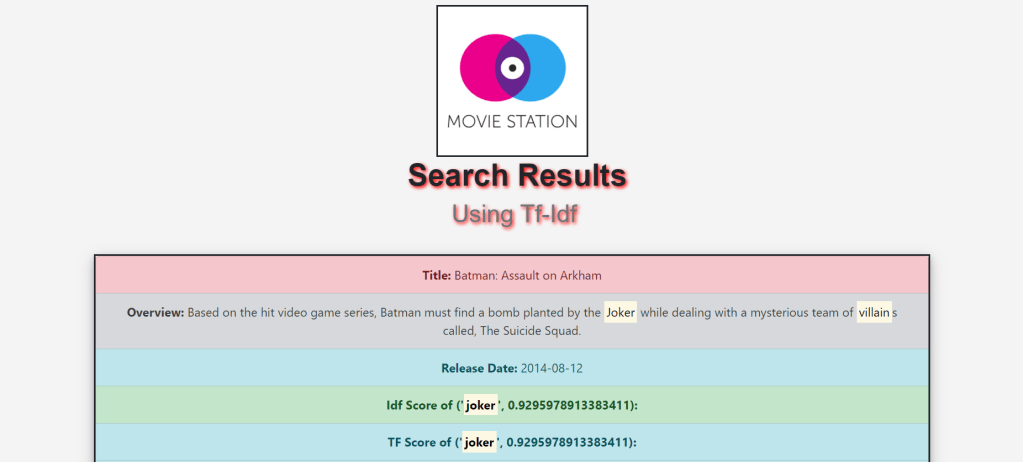
Search Engine plays a very important part of our everyday life. For every small information, we tend to search it on the search engine. So, here is the search engine for the Movie Search using MovieLens Dataset.
The dataset I used is from Kaggle. The dataset consists of Movie data like Movie Overview, IMDB Rating, Release Date, Title, etc.
Data Preprocessing:
So as to make a text search module, first we have to have the fitting dataset that we expect to deal with. On acquiring the informational collection, the dataset must be handled and brought to a comprehensible structure.
Preprocessing of data on a big dataset is an errand, particularly when it contains records of more than 40k. In the dataset that I have utilized, there are movie records with data of multiple movies with its overview, release date, title, etc.
Text Search will be performed on the overview and tagline segment of the dataset, which contains a long length of words. These words are isolated from the string with the assistance of Python’s split function.
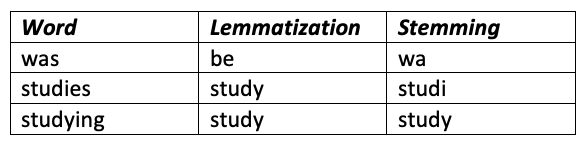
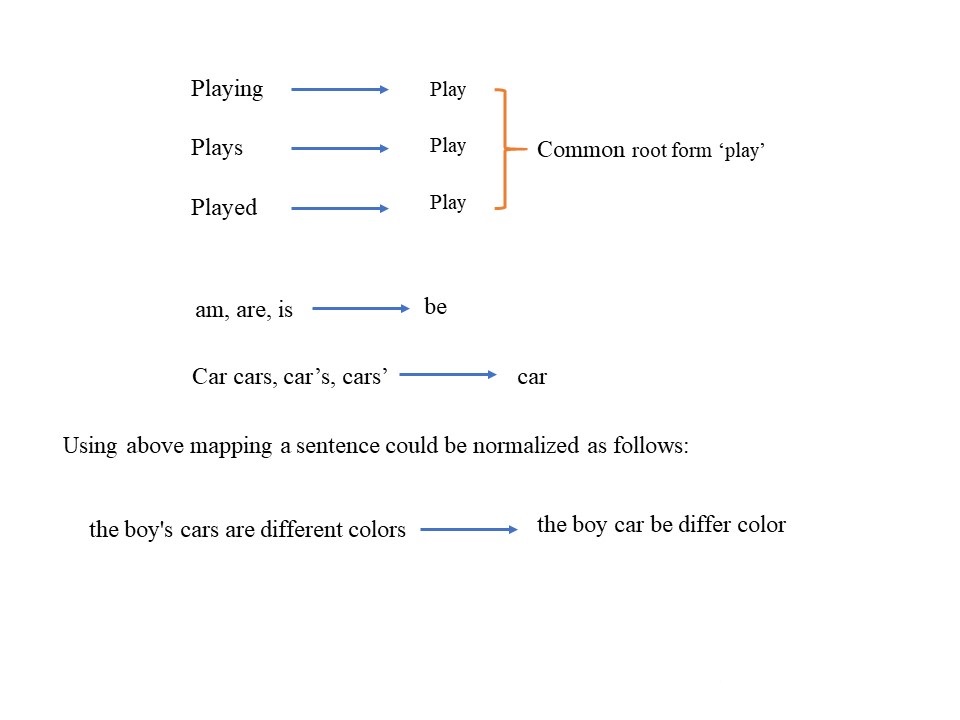
So as to make the pursuit increasingly summed up, the sum total of what characters have been changed over into lowercase letters. After that, I have utilized the NLTK library, which is likely one of the most helpful libraries for normal language processing in Python. We import the stopwords function from the corpus of the module. We can use this to take out the stopwords that are available in the input data. On finishing this, we utilize the lemmatizer function so as to distinguish the base of the words, widening the range for the text-search.
Creating the Index:
We have to create the inverted index for the dataset then process the queries and show search results:
Inverted Index:
An inverted index is an index data structure storing a mapping from content, such as words or numbers, to its locations in a document or a set of documents.
Tf-Idf:
TF-IDF, which stands for term frequency-inverse document frequency, is a scoring measure widely used in information retrieval (IR) or summarization. TF-IDF is intended to reflect how relevant a term is in a given document.

Tf(Term Frequency):
Term Frequency, which measures how frequently a term occurs in a document. Since every document is different in length, it is possible that a term would appear much more time in long documents than shorter ones.
TF(t) = (Number of times term t appears in a document) / (Total number of terms in the document)
Idf(Inverse Document Frequency)
Inverse Document Frequency, which measures how important a term is. While computing TF, all terms are considered equally important. However, it is known that certain terms, such as “is”, “of”, and “that”, may appear a lot of times but have little importance.
IDF(t) = log_e(Total number of documents / Number of documents with term t in it)

Remaining Steps:
- After creating inverted index, we will build a document vector to calculate the Tf-Idf scores.
- Then build pickle files using the inverted index and document vector to get the search results for a given input quickly.
- Then we will calculate the Tf-Idf score for the input given by the user.
- After this we will calculate it for each term, entered in a input query.
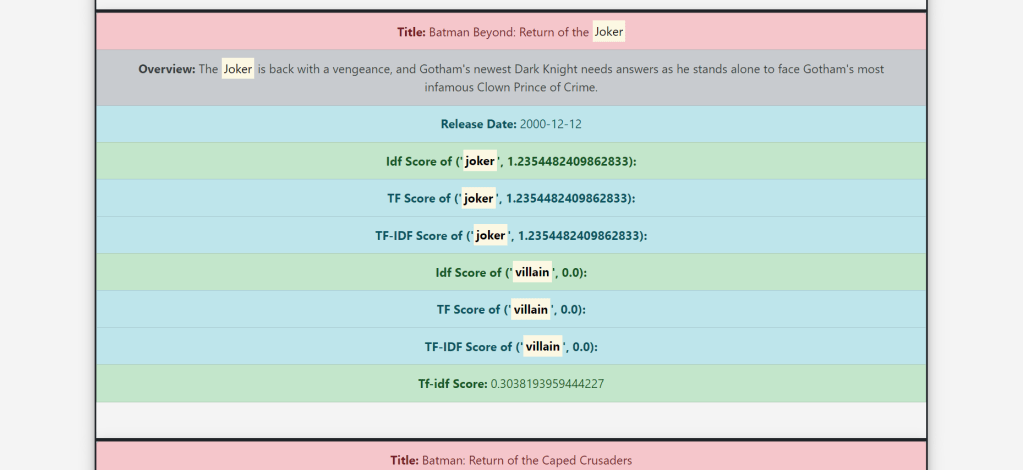
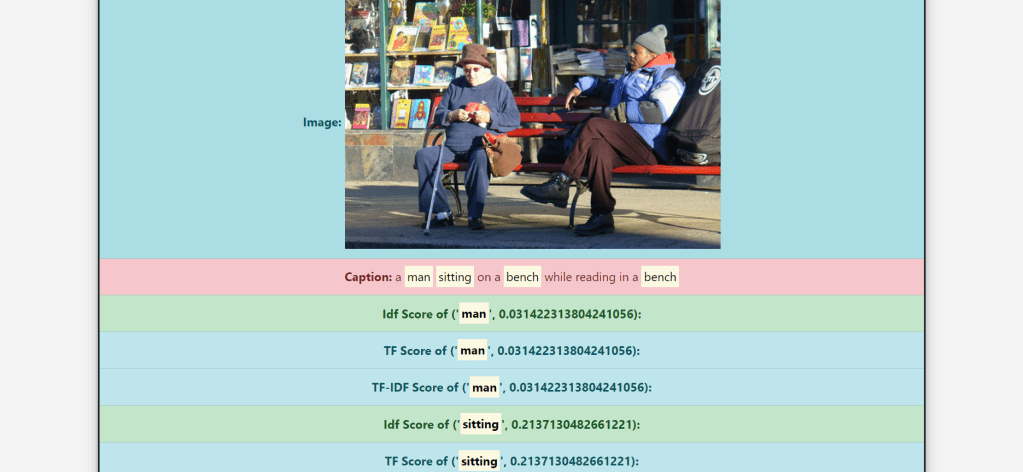
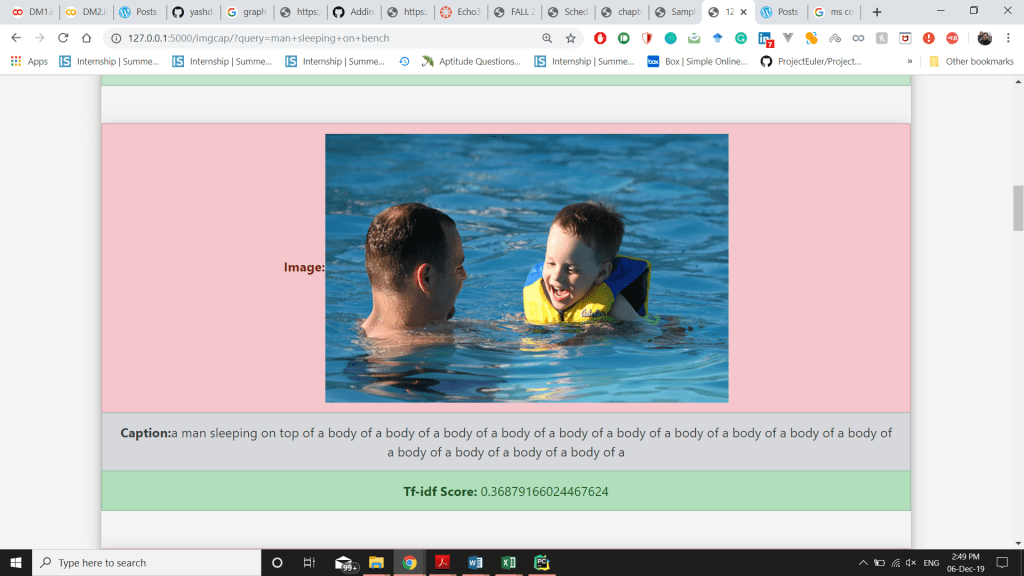
- And Finally display Tf score, Idf Score, Tf-Idf score,Release date, Overview and Title on the frontend.
Contribution:
- Use of NLTK’s WordNetLemmatizer
- Use of NLTK’s stopwords to reduce the unused terms
- Building Inverted Index
- Initially, the search time was really high and each search was taking a lot of time due to calculating again and again, so I used .pkl file to store probabilities to save time.
- Calculating and displaying the Tf-Idf of each input term separately
- Highlighting the input string on the Web page
# Created Inverted Index and Document vector along with Tf-Idf Calculations
def create_inverted_index(self):
        for row in self.meta_data.itertuples():
            index = getattr(row, 'Index')
            data = []
            for col in self.meta_cols.keys():
                if col != "id":
                    col_values = getattr(row, col)
                    parameters = self.meta_cols[col]
                    if parameters is None:
                        data.append(col_values if isinstance(col_values, str) else "")
                    else:
                        col_values = ast.literal_eval(col_values if isinstance(col_values, str) else '[]')
                        if type(col_values) == bool:
                            continue
                        else:
                            for col_value in col_values:
                                for param in parameters:
                                    data.append(col_value[param])
                self.insert(index, self.pre_processing(' '.join(data)))

    def build_doc_vector(self):
        for token_key in self.inverted_index:
            token_values = self.inverted_index[token_key]
            idf = math.log10(self.N / token_values["df"])
            for doc_key in token_values:
                if doc_key != "df":
                    tf_idf = (1 + math.log10(token_values[doc_key])) * idf
                    if doc_key not in self.document_vector:
                        self.document_vector[doc_key] = {token_key: tf_idf, "_sum_": math.pow(tf_idf, 2)}
                    else:
                        self.document_vector[doc_key][token_key] = tf_idf
                        self.document_vector[doc_key]["_sum_"] += math.pow(tf_idf, 2)

        for doc in self.document_vector:
            tf_idf_vector = self.document_vector[doc]
            normalize = math.sqrt(tf_idf_vector["_sum_"])
            for tf_idf_key in tf_idf_vector:
                tf_idf_vector[tf_idf_key] /= normalize

    def build_query_vector(self, processed_query):
        query_vector = {}
        tf_vector = {}
        idf_vector = {}
        sum = 0
        for token in processed_query:
            if token in self.inverted_index:
                # tf_idf = (1 + math.log10(processed_query.count(token))) * math.log10(N/inverted_index[token]["df"])
                tf = (1 + math.log10(processed_query.count(token)))
                tf_vector[token] = tf
                idf = (math.log10(self.N / self.inverted_index[token]["df"]))
                idf_vector[token] = idf
                tf_idf = tf * idf
                query_vector[token] = tf_idf
                sum += math.pow(tf_idf, 2)
        sum = math.sqrt(sum)
        for token in query_vector:
            query_vector[token] /= sum
        return query_vector, idf_vector, tf_vector
Experiments:
- Ran the code without storing the inverted index and document vector, so it was taking about 3-4 minutes for displaying the search results after all the calculations, this time was saved by using .pkl(pickle file).
- Ran the code with applying lemmatization before the stemmer, it gave me really good results which were different from when I applied stemmer before lemmatization. Due to this I was able to remove baseword error.
- Tried to get results without stemming, lemmatization and stopwords removal, it was very different from the desired results and inaccurate.
- Ran the code using multiple stemmers that is Porter Stemmer, Lancaster stemmer and snowball stemmer and checked the results generated by each of them.
- Tried to implement synonyms feature using NLTK wordnet in my system on localhost, the implementation was not very accurate due to which I was getting completely irrelevant results.
- I tried running the code without Idf normalization (Logarithm of Idf score), due to which I was getting very high Tf-Idf score of all the terms and results, with normalization, I got accurate results with the relevant Tf-Idf scores.
# use of lemmatizer, Stemmer, Stopwords and Tokenizer
 def __init__(self):
        # Data Fetch
        # data_folder = 'C:/Users/yashd/PycharmProjects/txt_search/'
        self.meta_cols = {"id": None, "original_title": None, "overview": None, "release_date": None}
        meta_data = pd.read_csv('movies_metadata.csv', usecols=self.meta_cols.keys(), index_col="id")
        self.meta_data = meta_data.dropna(subset=["overview"])
        self.N = self.meta_data.shape[0]

        # Pre-processing
        self.tokenizer = RegexpTokenizer(r'[a-zA-Z0-9]+')
        self.stopword = stopwords.words('english')
        self.stemmer = PorterStemmer()
        self.lemmatizer = WordNetLemmatizer()

        self.inverted_index = {}
        self.document_vector = {}

        if os.path.isfile("invertedIndexPickle.pkl"):
            self.inverted_index = pickle.load(open('invertedIndexPickle.pkl', 'rb'))
            self.document_vector = pickle.load(open('documentVectorPickle.pkl', 'rb'))
        else:
            print("In else of get_scores:")
            self.build()
            self.save()
Challenges Faced:
- Deployment on the web, using python Flask. To solve this issue, I read a lot about it from multiple sources also asked people who knew about it.
- Hosting the site on Pythonanywhere, for this also I read the documentation along with some other sources to solve the issue.
- Initially, the search time was really high and each search was taking a lot of time due to calculating again and again, so I used .pkl file to store probabilities to save time.
- Calculating the Tf-Idf of each term separately
- Highlighting the input string on the Web page
- An issue with the NLTK import in pythonanywhere.
# To get the final score
    def get_movie_info(self, sorted_score_list, tf_new, idf_new, tf_idf_new):
        result = []
        for entry in sorted_score_list:
            doc_id = entry[0]
            row = self.meta_data.loc[doc_id]
            info = (row["original_title"],
                    row["overview"] if isinstance(row["overview"], str) else "", entry[1], idf_new[doc_id],
                    tf_new[doc_id], tf_idf_new[doc_id], row["release_date"])
            result.append(info)
        new_score = None
        # print(result[0:5])
        return result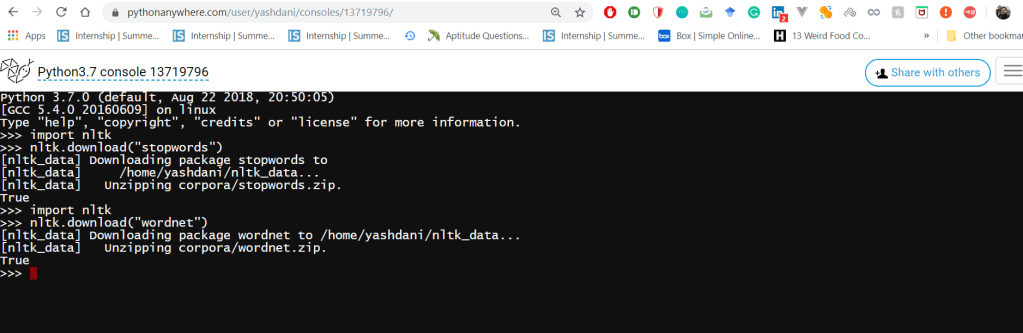




 Data Mining Blog